 QuakeInfo
A QUICK START
Find your way around a moving world.
A few simple ways to get started with QuakeInfo.
Explore the map
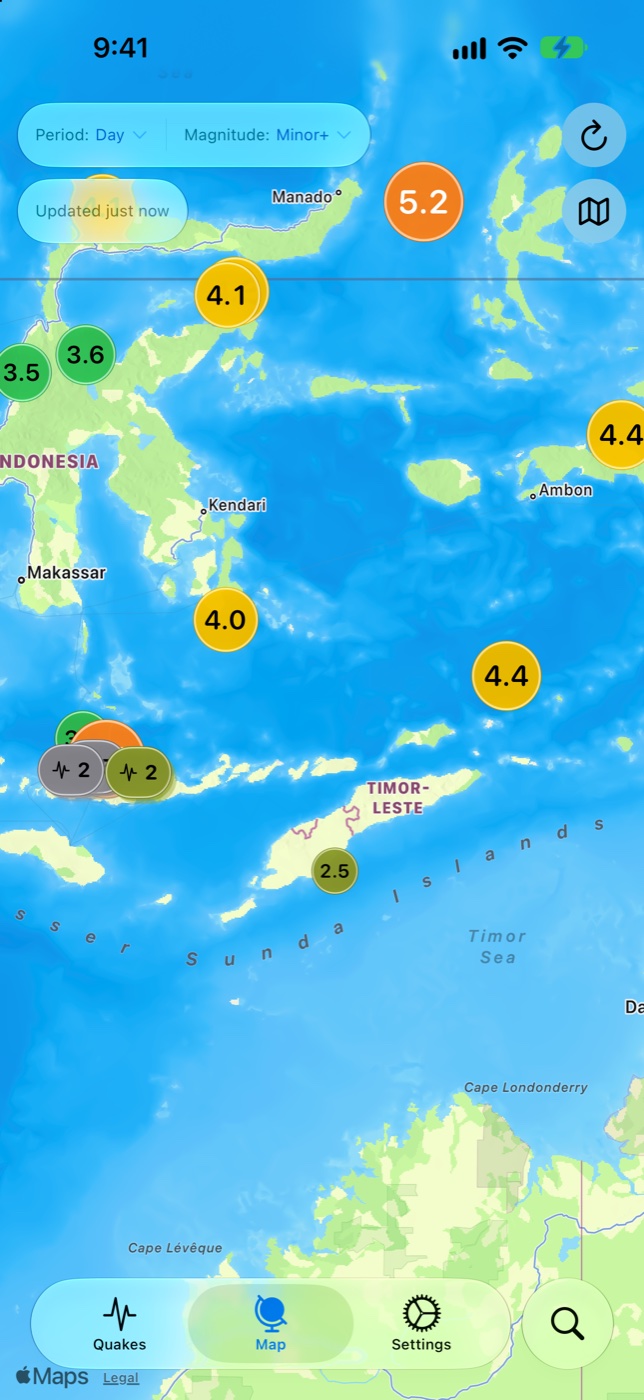
Open QuakeInfo and start with the map or quake list. Select an event that interests you, then open its details. Try moving between the overview and the event to build a sense of the area.
Find your focus
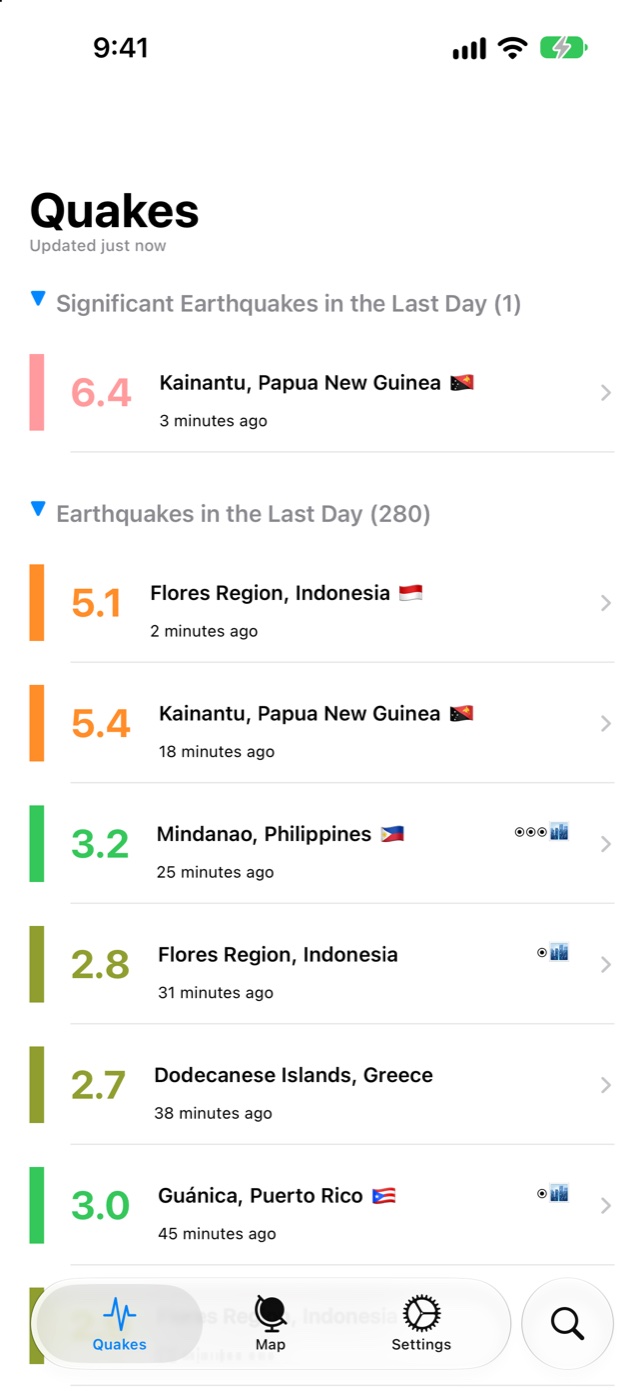
Use search to look for a place or magnitude. Adjust the available filters to focus your exploration. Start broad, then narrow your view to the activity you want to follow.
Read the details
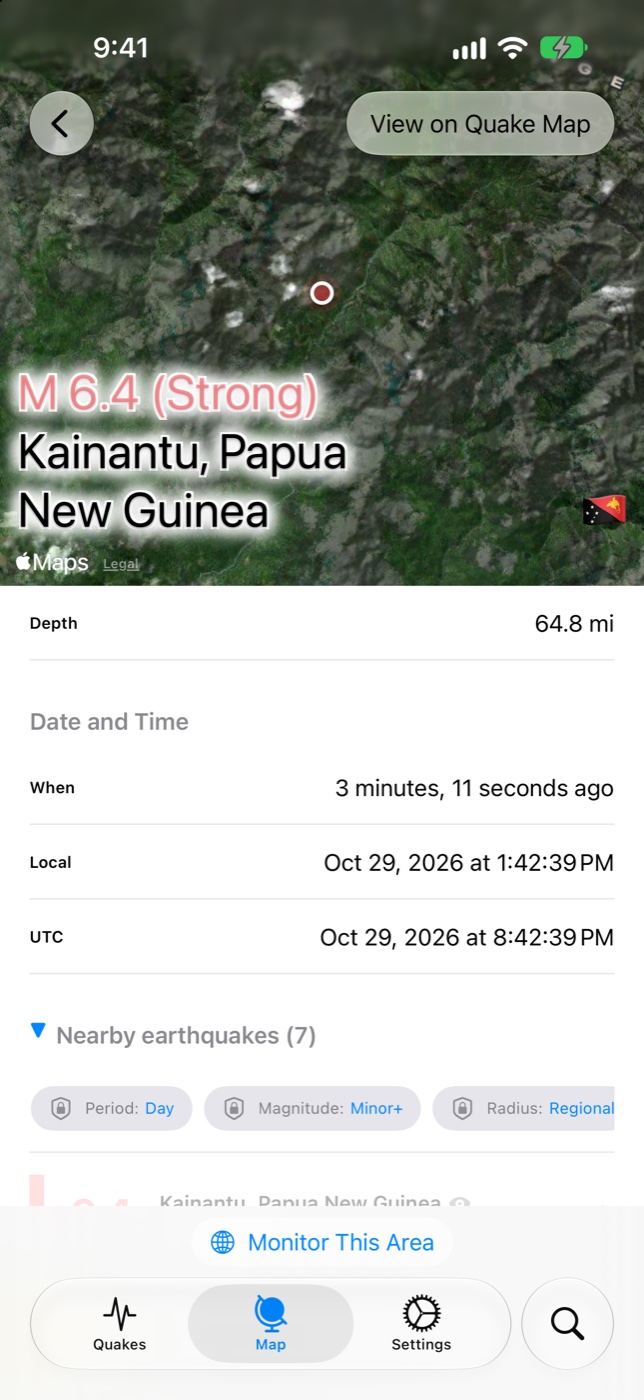
Open a quake to explore its epicenter and event information. Follow the official source link when you want to continue reading.
Make it yours
Visit Settings in QuakeInfo to review your preferences. When enabling notifications, also check that they are allowed for QuakeInfo in your device’s system settings.
To add a widget on iPhone or iPad, touch and hold your Home Screen, choose the option to add a widget, and search for QuakeInfo. Available choices depend on your device and subscription.
Need a hand? Visit Support.
QUAKEINFO™
Keep up with seismic activity.
Download QuakeInfo and explore.